
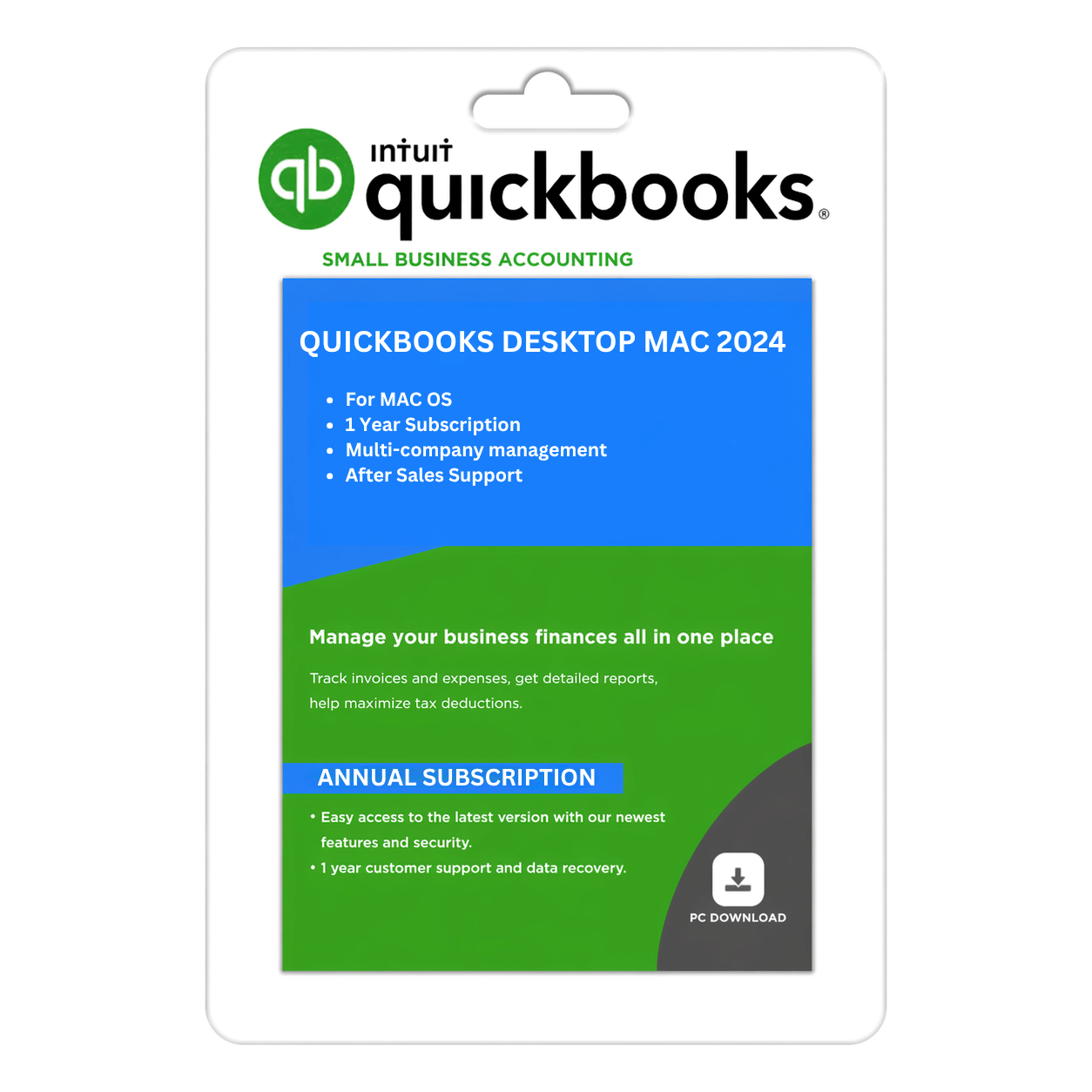
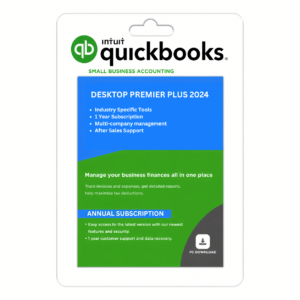
QuickBooks Desktop Mac Plus 2024
$299.95
Buy QuickBooks Desktop Mac 2024 — Best accounting software for small businesses. Manage invoices, track expenses, and generate financial reports effortlessly.
-
QuickBooks Desktop Mac 2024 – USA version, quick delivery on email with download link and product details.
-
Simplify Accounting Tasks – Manage invoices, track income & expenses, and reconcile bank accounts easily.
-
Powerful Reporting Tools – Generate real-time financial reports, balance sheets, and profit/loss summaries.
-
Multi-User Access – Collaborate securely with your accounting team or clients.
-
Secure & Reliable – Automatic data backups and improved stability for safe financial management.
-
Optimized Performance – Faster startup, smoother navigation, and enhanced file handling.
QuickBooks Desktop for Mac 2024 — US Edition | 1-Year Subscription
Desktop Accounting Software for Small Businesses
QuickBooks Desktop for Mac 2024 is accounting software designed to help small businesses organize their financial records, manage customer invoices, track income and expenses, and review business performance from a compatible Mac computer.
With tools for everyday bookkeeping and financial reporting, QuickBooks can help business owners maintain organized records and manage routine accounting tasks. This edition is intended for users who prefer a desktop accounting workflow on macOS.
SMBDAILY provides digital software products with clear purchasing information, customer support for orders, and assistance with applicable delivery and activation steps.
Key Features and Benefits
1. Create Invoices and Track Sales
Create customer invoices and sales receipts to record sales, track customer balances, and maintain organized transaction records. Keeping invoices and payment information up to date can help you monitor outstanding amounts and manage customer accounts.
2. Review Your Business Financials
Use available financial reports to review income, expenses, account balances, and other business information. These reports can help you understand financial performance and support everyday business decisions.
3. Organize Banking Transactions
Use supported banking transaction import and reconciliation workflows to help reduce manual data entry. Banking connectivity depends on your financial institution, available connection methods, and the services supported for your product version.
4. Track Expenses and Payments
Record business expenses and organize financial transactions to maintain visibility over spending. Consistent bookkeeping can help you review costs, monitor cash flow, and maintain useful financial records.
5. Manage Customer and Vendor Records
Keep customer, vendor, and transaction information organized within your accounting workflow. Maintaining accurate records can make it easier to review sales activity, track amounts owed, and manage routine bookkeeping.
6. Prepare Professional Customer Documents
Create customer invoices and sales documents using the formats and customization options available in the Mac edition. Consistent customer-facing documents can help keep business communications clear and professional.
7. Reconcile and Review Financial Records
Use supported reconciliation and accounting workflows to compare recorded transactions with financial statements and identify discrepancies. Available tools depend on the product version and the supported workflow.
8. Work on a Compatible Mac Computer
QuickBooks Desktop for Mac 2024 is designed for compatible Mac computers and provides a desktop environment for managing accounting records. Confirm macOS compatibility before installation, particularly if your Mac runs a newer operating-system release.
Why Choose QuickBooks Desktop for Mac 2024?
- Desktop accounting software for compatible Mac computers.
- Customer invoicing and sales receipt management.
- Expense tracking and transaction organization.
- Financial reports to help review business performance.
- Supported banking transaction import and reconciliation workflows.
- Customer and vendor record management.
- A one-year subscription under the terms of the selected offer.
- Digital delivery and SMBDAILY assistance with order and applicable activation questions.
Who Is This Product For?
- Small business owners using compatible Mac computers.
- Freelancers and independent professionals managing business finances.
- Businesses that need to organize customer invoices and expenses.
- Users who prefer desktop accounting over a browser-based accounting workflow.
- Small businesses looking for accounting and reporting tools for routine financial management.
Product Specifications
| Specification | Details |
|---|---|
| Product name | QuickBooks Desktop for Mac 2024 |
| Edition | US Edition |
| Product category | Desktop accounting software |
| Platform | Compatible Mac computer |
| Subscription duration | 1 year |
| Licence arrangement | ProAdvisor/reseller account arrangement, as described in the offer |
| Registration | Subject to the supplied licence and account arrangement |
| User and device access | Subject to the supplied licence terms |
| Delivery method | Digital delivery |
| Customer support | SMBDAILY assistance with order, delivery, technical and activation |
System Requirements and Mac Compatibility
QuickBooks Desktop for Mac 2024 is intended for compatible Mac computers. Intuit’s published requirements for QuickBooks Mac Plus 2024 specify macOS Monterey (12.0) or later as the minimum operating-system requirement.
SMBDAILY’s stated compatibility information for the supplied product should be confirmed against the specific macOS version installed on your Mac before purchase.
- A compatible Mac computer.
- A supported macOS version.
- Sufficient memory and storage for installation and company data.
- Internet access where required for download, activation, and connected services.
Compatibility with newer macOS releases and connected services may depend on the product build and service availability. Please contact SMBDAILY before ordering if you need confirmation for a specific macOS version.
What You Receive
Your order includes the digital product or access details specified in the product listing and order confirmation.
- Digital delivery instructions and product download details.
- Information about the one-year subscription and supplied licence arrangement.
- SMBDAILY assistance with order and delivery questions and applicable activation guidance.
The licence is supplied under the account and registration arrangement described in the offer. Registration under your own Intuit account, licence transferability, and future account access are not guaranteed unless expressly confirmed.
Licensing and Important Information
QuickBooks and Intuit are trademarks of Intuit Inc. SMBDAILY LLC is an independent software seller and is not Intuit Inc.
One-year subscription: This offer is for a one-year subscription. The subscription and usage rights are governed by the terms of the specific licence supplied with your order.
ProAdvisor/reseller account arrangement: The licence may be associated with a third-party ProAdvisor or reseller account. The registration and account arrangement are subject to the supplied offer. Registration under your own Intuit account is not guaranteed.
Product functionality: This listing is for QuickBooks Desktop for Mac 2024. Features can differ from Windows editions, and Windows-specific functionality should not be assumed to be included.
Connected services: Banking connectivity, payment processing, payroll, tax filing, and other online services may depend on separate subscriptions, eligibility, compatibility, and service availability. These services are not included unless expressly stated in the selected offer.
Customer support: SMBDAILY provides support for purchases, order status, digital delivery, and applicable activation guidance. Intuit support may not be available for the licence arrangement supplied.
Please review the product details and contact SMBDAILY before purchasing if you need clarification about subscription terms, registration, or a specific feature.
Digital Delivery Policy
This is a digital software product. No physical item is shipped unless the listing expressly states otherwise.
Delivery instructions or access details are generally provided after the order has been processed. In exceptional circumstances, digital delivery may take up to 24 hours.
If your order has not arrived within that period, contact our support team for assistance.
Email: info@smbdaily.us
Phone: +1 888-898-2181
30-Day Refund Policy
SMBDAILY offers a 30-day refund period for eligible purchases, including digital software products. You may submit a refund request within 30 calendar days of purchase in accordance with our published Refund Policy.
To request a refund, contact our customer support team with your order details.
- Refund requests may be submitted within 30 calendar days of purchase.
- You are not required to accept a replacement or exchange instead of requesting a refund.
- Troubleshooting is not a mandatory condition for submitting a refund request.
- Refunds are processed to the original payment method where possible.
- Once initiated, processing may take up to 10 business days, depending on the payment provider or financial institution.
Please review SMBDAILY’s full Refund Policy for the applicable terms and instructions.
Frequently Asked Questions
1. Is QuickBooks Desktop for Mac 2024 compatible with Mac computers?
Yes, it is designed for compatible Mac computers. Check the requirements for your installed macOS version before purchasing, especially if you are using a newer release.
2. How long does the subscription last?
This product is for a one-year subscription.
3. How is the licence registered?
The licence is associated with a third-party ProAdvisor/reseller account.
4. Does this product include payroll or every online banking feature?
No Payroll is a separate subscription.
5. Will I receive a physical product?
No physical shipment is included with this digital-only offer. Product access details and delivery instructions are supplied electronically.
6. Who provides customer support?
SMBDAILY provides assistance with purchases, order status, digital delivery, and applicable activation guidance. Intuit support is not be available for the licence arrangement supplied.
7. What if I do not receive my order?
Digital delivery is generally provided after order processing and may take up to 24 hours in exceptional circumstances. If you have not received your order, contact info@smbdaily.us or call +1 888-898-2181.
8. Can I request a refund?
Yes. You may request a refund within 30 calendar days of purchase under SMBDAILY’s published 30-Day Refund Policy. Contact customer support with your order details to submit your request.
Additional information
| User | 1, 2, 3 |
|---|
Reviews
There are no reviews yet.