
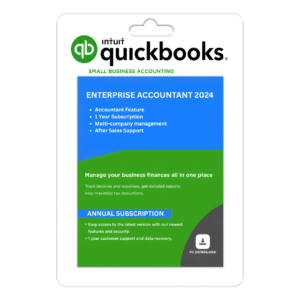
QuickBooks Desktop Premier 2024
$399.95
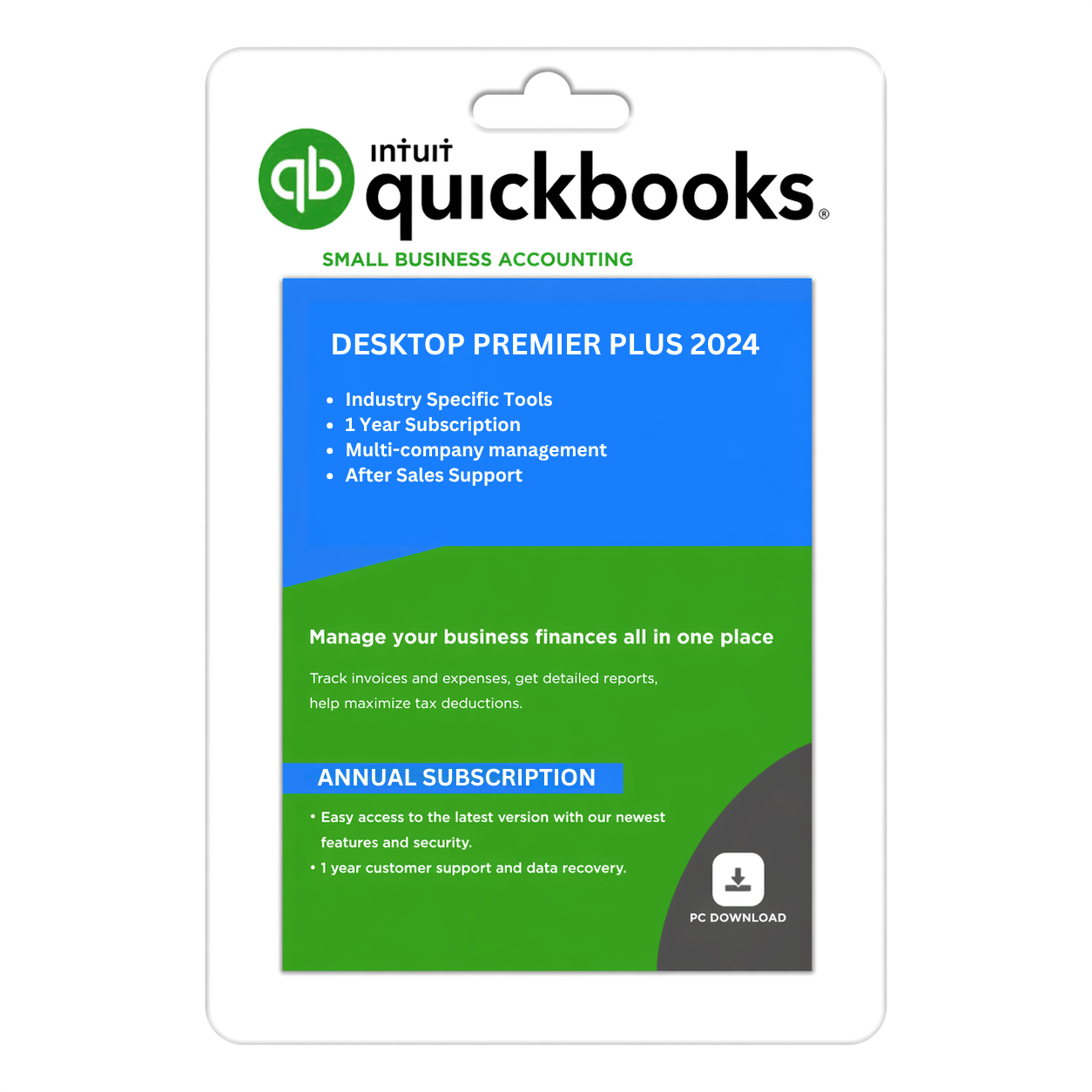
Buy QuickBooks Desktop Premier Plus 2024 — the advanced accounting software for businesses of all types. Manage accounting and create powerful reports with QuickBooks Desktop Premier 2024.
-
Advanced accounting for small & medium businesses
-
Industry-specific tools for smarter decisions
-
Real-time financial tracking & reporting
-
Multi-user access for team collaboration
-
Quick digital delivery & activation help
- Annual Subscription & After Sales Support
QuickBooks Desktop Premier 2024 — US Edition | 1-Year Subscription
Advanced Accounting Software for Growing Businesses
QuickBooks Desktop Premier 2024 is desktop accounting software designed for growing businesses that need detailed financial reporting, inventory-related tools, and industry-oriented accounting workflows. It helps businesses organize transactions, manage customer and vendor records, monitor expenses, and review financial performance.
Whether you operate a retail business, contracting company, nonprofit organization, manufacturing business, or professional services firm, QuickBooks Desktop Premier 2024 provides accounting tools to support your everyday financial management.
SMBDAILY aims to make purchasing business software straightforward through transparent product information, digital delivery, and customer support for orders and applicable activation steps.
Key Features and Benefits
1. Industry-Specific Accounting Tools
QuickBooks Desktop Premier 2024 offers industry-oriented accounting workflows for supported business types, which may include contracting, manufacturing and wholesale, retail, nonprofit organizations, and professional services. Available tools depend on the product edition and configuration.
2. Financial Reporting and Business Insights
Review income, expenses, account balances, and other financial information through available accounting reports. Reporting tools can help you monitor business performance, understand financial activity, and support informed business decisions.
3. Inventory and Vendor Management
For businesses that manage products, supported inventory tools can help organize item records, track stock, and manage purchasing-related transactions. Vendor records and expense information can also help maintain visibility over supplier activity.
Specific inventory functions depend on the supplied edition and configuration.
4. Customer Invoicing and Sales Tracking
Create customer invoices and record sales transactions to monitor outstanding balances and maintain organized sales records. Keeping customer and payment information up to date can help simplify routine bookkeeping.
5. Expense Tracking and Bill Management
Organize business expenses, vendor bills, and payment records to monitor spending and manage outstanding obligations. These tools help maintain consistent financial records and improve visibility over business costs.
6. Job Costing and Project Financial Tracking
For supported business workflows, Premier provides tools to organize job-related financial information and review project costs. Contractors and project-based businesses can use available reporting features to evaluate expenses and financial performance.
7. Budgeting and Financial Planning
Use supported budgeting and forecasting tools to review financial information and plan business activities. Available planning features depend on the product version and configuration.
8. Multi-User Accounting Access
QuickBooks Desktop Premier supports multi-user workflows subject to the applicable licence terms and technical configuration. The number of permitted simultaneous users depends on the licence supplied with your order.
Please confirm the permitted user count before purchasing if multiple employees need to access company data.
9. Desktop Accounting and Data Management
Manage accounting records in a desktop software environment on a compatible Windows computer. Installation, company-file storage, backup arrangements, and network access depend on your system configuration and any services included with your offer.
Cloud hosting and automatic online backups should not be assumed to be included unless expressly stated.
Why Choose QuickBooks Desktop Premier 2024?
- Accounting tools for growing businesses.
- Industry-oriented workflows for supported business types.
- Customer invoicing and sales transaction management.
- Expense, vendor, and bill organization.
- Inventory-related functionality where supported.
- Financial reporting and business planning tools.
- Multi-user access subject to the supplied licence.
- Desktop accounting for compatible Windows systems.
- A one-year subscription under the terms of the selected offer.
Who Is This Product For?
QuickBooks Desktop Premier 2024 may be suitable for:
- Small and medium-sized businesses with detailed accounting needs.
- Retail businesses managing sales and inventory.
- Contractors and project-based businesses reviewing job costs.
- Nonprofit organizations managing financial records.
- Manufacturers and wholesalers organizing purchasing and inventory transactions.
- Professional services businesses managing customer and financial information.
Product Specifications
| Specification | Details |
|---|---|
| Product name | QuickBooks Desktop Premier 2024 |
| Edition | US Edition |
| Product category | Desktop accounting software |
| Platform | Compatible 64-bit Windows system |
| Subscription duration | 1 year |
| Licence arrangement | ProAdvisor/Reseller |
| User access | Subject to the supplied licence and permitted user count |
| Delivery method | Digital delivery |
| Customer support | SMBDAILY assistance with order, delivery, and applicable activation steps |
System Requirements and Compatibility
QuickBooks Desktop Premier 2024 requires a compatible Windows environment. Before purchasing, verify that your computer meets the requirements for the exact product supplied.
- A compatible 64-bit Windows operating system.
- A compatible processor and sufficient memory.
- Adequate storage for the installation and company files.
- Internet access where required for downloading, activation, or connected services.
- A compatible network configuration if using supported multi-user workflows.
System requirements and compatibility can depend on the product version, Windows configuration, and connected services. Please verify compatibility before ordering.
What You Receive
Your order includes the digital product or access details specified in the product listing and order confirmation.
- Digital delivery instructions and applicable product access details.
- Information about the one-year subscription and supplied licence arrangement.
- SMBDAILY assistance with order and delivery questions and applicable activation guidance.
The precise activation process, registration arrangement, permitted user count, and included functionality depend on the specific offer purchased.
Licensing and Important Information
QuickBooks and Intuit are trademarks of Intuit Inc. SMBDAILY LLC is an independent software seller and is not Intuit Inc.
One-year subscription: This offer is for a one-year subscription. The applicable usage rights, subscription terms, and any renewal requirements are governed by the licence supplied with your order.
ProAdvisor/reseller: The licence may be associated with a third-party ProAdvisor or reseller account.
Product functionality: Features vary by edition and configuration. Industry-specific tools, inventory functions, multi-user access, backup arrangements, hosting, and connected services should not be assumed to be included unless expressly stated.
Customer support: SMBDAILY provides support for purchases, order status, digital delivery, and applicable activation guidance. Intuit support may not be available for the licence arrangement supplied.
Please contact SMBDAILY before purchasing if you need confirmation about subscription duration, account registration, permitted user access, or a particular feature.
Digital Delivery Policy
This is a digital software product. No physical item is shipped unless the listing expressly states otherwise.
Delivery instructions or access details are generally provided after the order has been processed.
If you have not received your order within that period, contact our support team for assistance.
Email: info@smbdaily.us
Phone: +1 888-898-2181
30-Day Refund Policy
SMBDAILY offers a 30-day refund period for eligible purchases, including digital software products. You may submit a refund request within 30 calendar days of purchase in accordance with our published Refund Policy.
To request a refund, contact our customer support team with your order details.
- Refund requests may be submitted within 30 calendar days of purchase.
- You are not required to accept a replacement or exchange instead of requesting a refund.
- Troubleshooting is not a mandatory condition for submitting a refund request.
- Refunds are processed to the original payment method where possible.
- Once initiated, processing may take up to 10 business days, depending on the payment provider or financial institution.
Please review SMBDAILY’s full Refund Policy for the applicable terms and instructions.
Frequently Asked Questions
1. What is QuickBooks Desktop Premier 2024?
It is desktop accounting software for compatible Windows computers, offering accounting, reporting, and supported industry-oriented workflows for businesses.
2. How long does the subscription last?
This product is a one-year subscription.
3. Does it include industry-specific accounting tools?
Premier offers industry-oriented features for supported business types. The specific tools available depend on the supplied edition and configuration.
4. How many users can access the software?
Multi-user access depends on the licence and user entitlements supplied with your order. Call or chat with us to order additional users.
5. Does the product include automatic cloud backups or hosting?
No, it does not include cloud backup or hosting.
6. Who provides customer support?
SMBDAILY provides assistance with purchases, order status, digital delivery, technical and applicable activation guidance.
7. How long does digital delivery take?
Delivery instructions or access details are generally provided after order processing.
8. Can I request a refund?
Yes. You may request a refund within 30 calendar days of purchase under SMBDAILY’s published 30-Day Refund Policy. Contact our support team with your order details to submit your request.
Additional information
| Users | 1User, 2Users, 3Users, 4Users, 5Users |
|---|
Reviews
There are no reviews yet.